PawTrek Feature Guide
Everything you need to know about PawTrek — from voice capture to court packets. Written for K9 handlers, not tech people.
What PawTrek Does
PawTrek replaces your paper forms, Word templates, and Excel sheets with one app that handles everything — deployment reports, training logs, K9 records, case law, and court packets. The AI writes your first draft. You review, edit, and own the final report.
Two ways to create a report: Voice Capture (speak naturally, AI fills in the fields and writes the narrative) or Manual Form (fill out fields step by step, generate the narrative with one tap). Both paths end at the same Review screen where you finalize and submit.
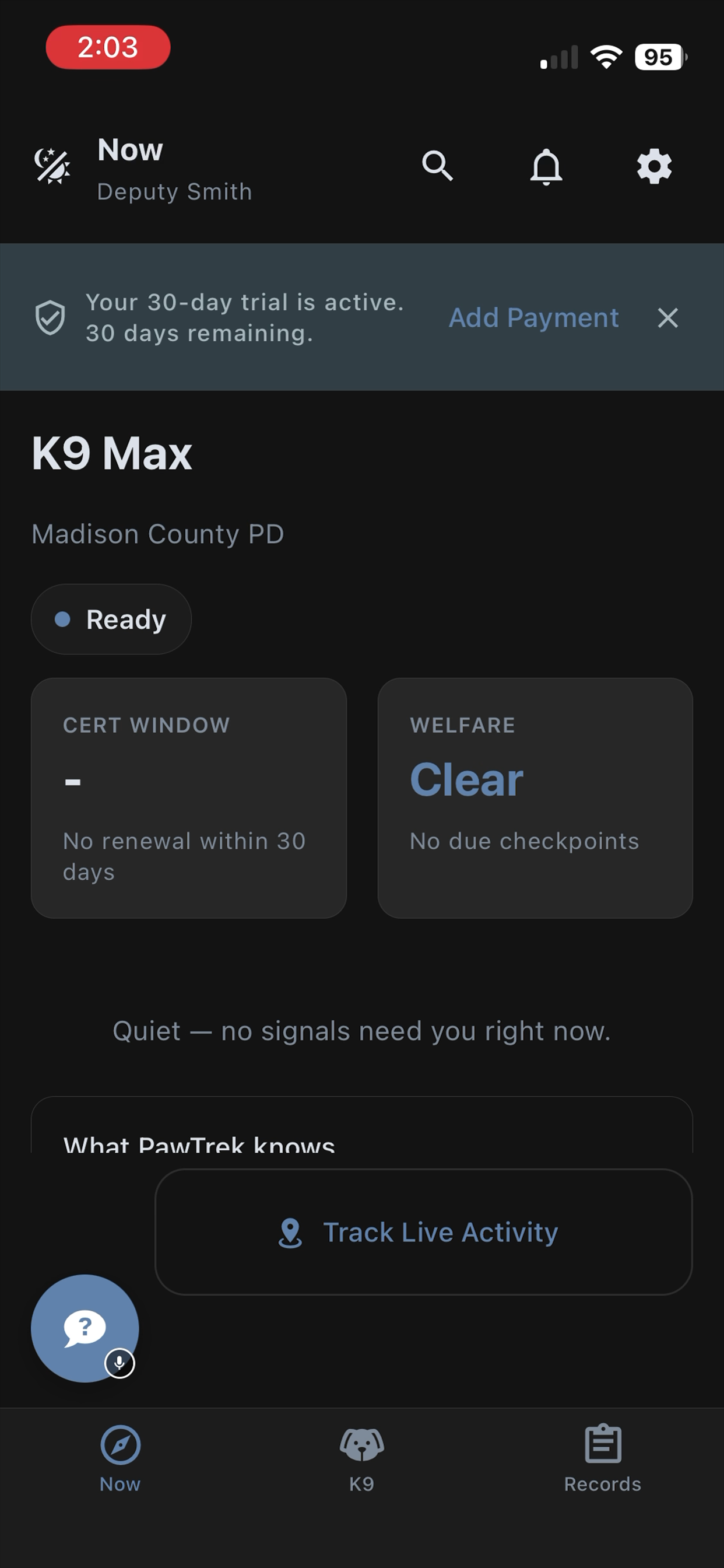
PawTrek auto-detects whether you're logging a deployment or a training session. GPS, weather, date, and your handler profile are captured automatically. You focus on what happened. PawTrek handles the paperwork.
Voice Capture — Speak, Don't Type
Tap New Reporton the home screen. The microphone goes live. Talk naturally about what happened — "Responded to a traffic stop on Highway 84, ran Rex around the vehicle, he alerted on the passenger side door..."
How It Works
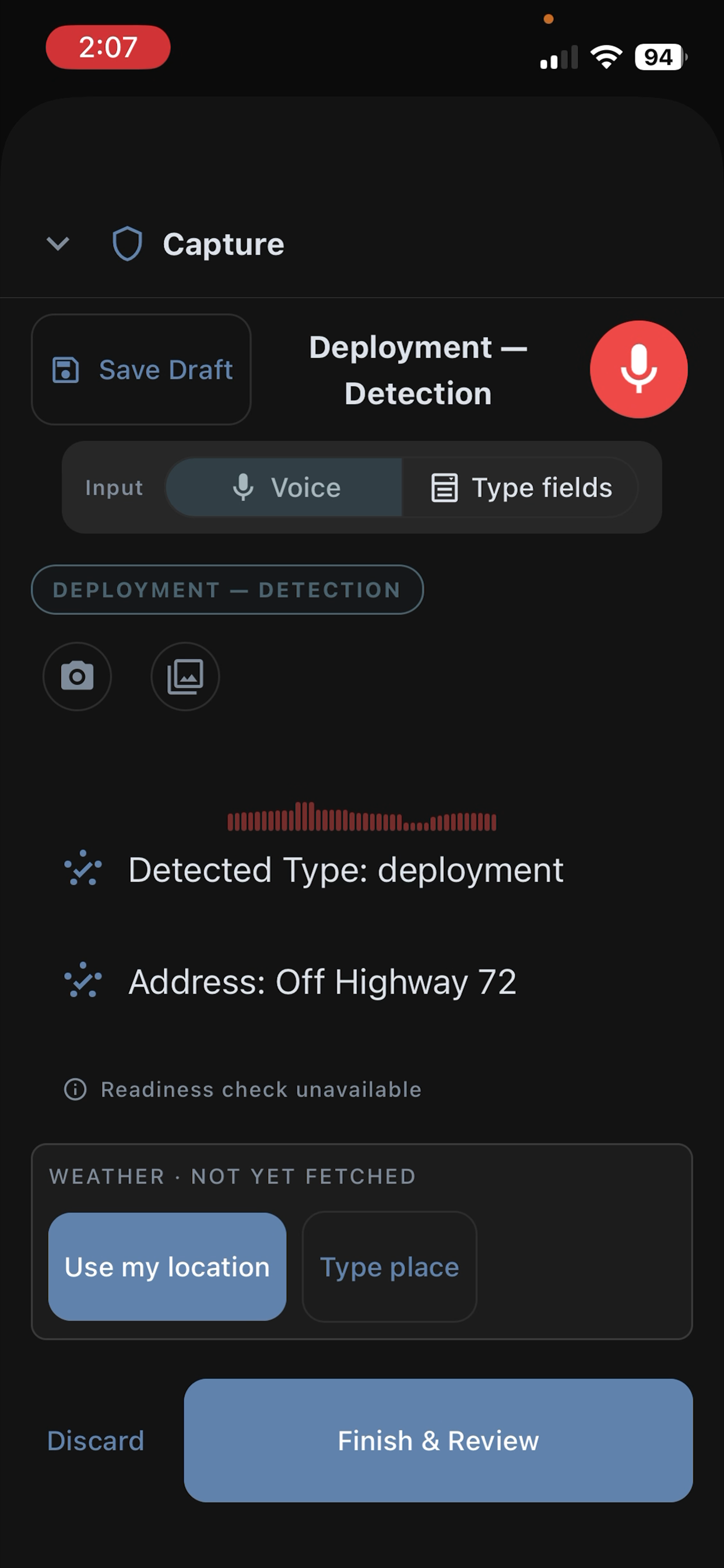
Your voice is transcribed in real-time by Deepgram Nova-3. PawTrek's AI (Grok) extracts structured facts — case number, location, legal authority, substances, outcomes — and displays them as cliff noteswhile you talk. You see what's being captured without reading raw transcript.
If the AI needs a detail you didn't mention, it asks a brief clarifying question. You can answer by speaking, tap a quick-answer chip, or skip it. When you're done, tap Finish & Review — the AI generates a professional, court-ready narrative with verified case law citations.
What About Manual Entry?
Tap Manual Mode during capture to switch to the step-by-step form. Both paths use the same data — you can start with voice and finish with the form, or vice versa. The Review screen is the same either way.
Audio Storage & Privacy
Your speech is transcribed in real-time — the text becomes your report. Audio recordings are saved securely to your account for evidence integrity and batch processing. Never shared with third parties. Never used for AI training. Deepgram processes audio with mip_opt_out=true — no retention, no training.
Track Live Activity — GPS Before You Write
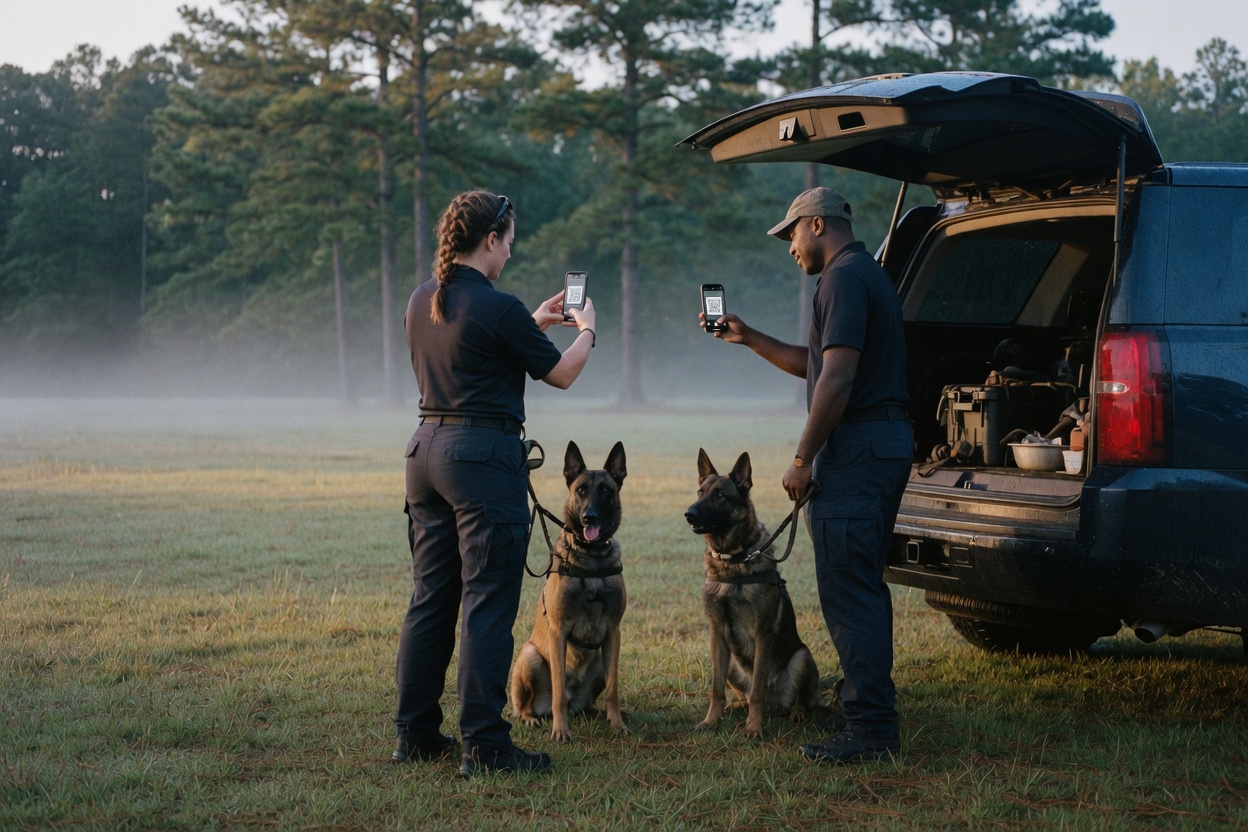
Start tracking before your deployment or training session. PawTrek records your GPS path, weather conditions, and timestamps automatically. When you stop, create a report from the track data — voice or manual. For a group track, a QR on that same screen brings other handlers in.
Markers
During tracking, mark K9 alerts, finds, voice notes, and photos. Each marker is GPS-tagged and timestamped. They carry into your report as court-admissible evidence points — the judge sees exactly where your K9 alerted and when.
Voice Notes
Record short voice notes during the operation. When you stop tracking, PawTrek batch-transcribes them with location and time context — "[14:32 near K9 alert] suspect fled on foot toward the tree line." These feed directly into your report narrative.
Ask PawTrek — Your K9 Career Assistant
PawTrek's AI chat has access to your reports, your K9's records, and 258 verified case law entries. Ask anything:
- "What are my stats this month?"
- "Is a free air sniff during a traffic stop legal in the 11th Circuit?"
- "Help me prepare for court on my last deployment."
- "What training am I missing this month?"
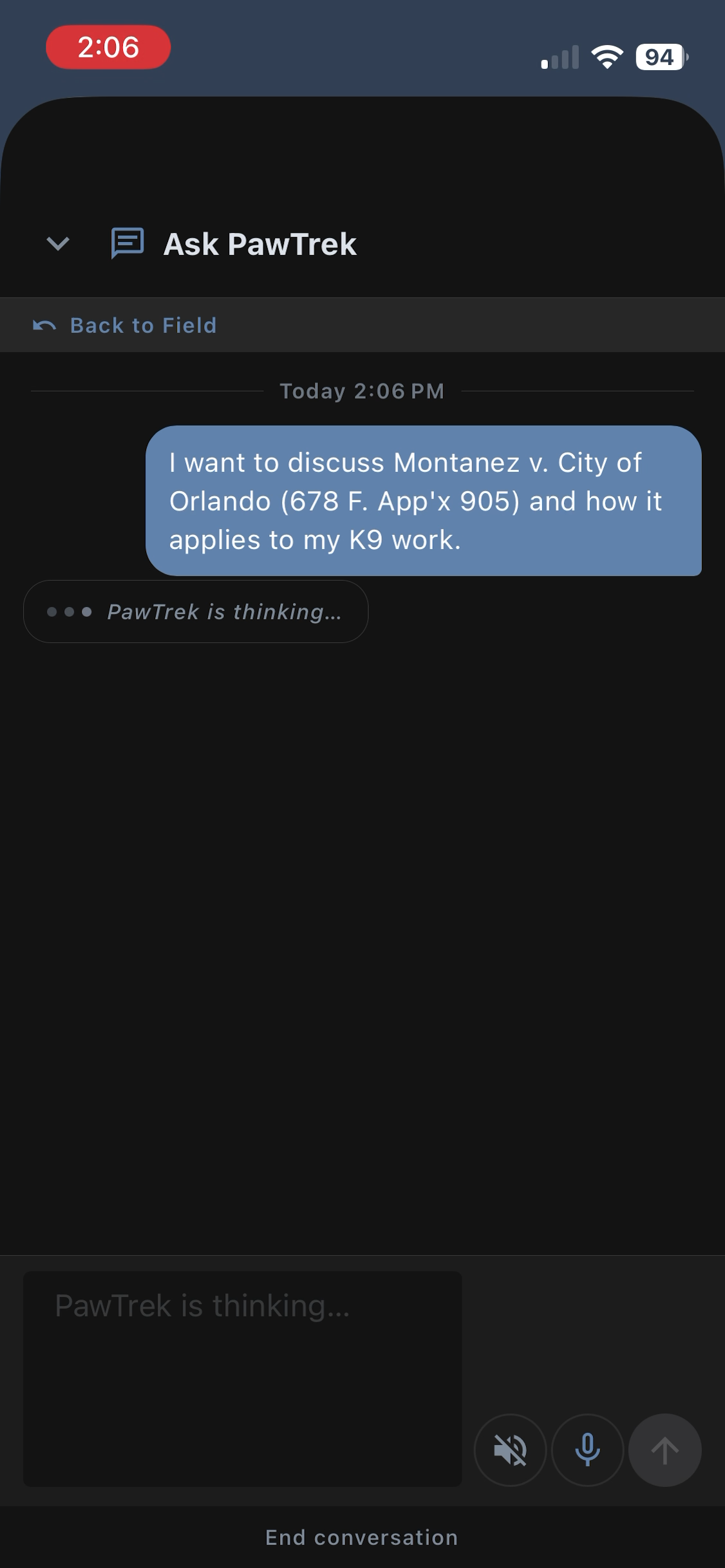
In-Report Mode
When you're reviewing a report, the chat button opens Ask PawTrek in context. On mobile, it can propose field edits and narrative refinements you accept or reject. On web, you can review those proposals and ask follow-up questions — all without leaving the review screen.
Court Prep Mode
From any completed deployment, tap Court Prep to get testimony preparation guidance. PawTrek analyzes your deployment, identifies potential defense challenges, and suggests how to address them — grounded in verified case law.
K9 Management — Health, Certs, Records
Everything about your K9 in one place. Daily health checks (one tap), certification tracking with expiration alerts, medical records, scent lists, and a 7-day check history at a glance.
Vet Export PDF
Generate a complete health summary for your veterinarian — certifications, vaccinations, medical history, current medications, and recent health checks. One tap. Professional PDF. No more recounting from memory at the vet's office.
Care Time Logging (FLSA)
Log daily K9 care activities — feeding, grooming, exercise, training, transportation, kennel maintenance. This is compensable time under the Fair Labor Standards Act. PawTrek creates the documentation that protects you and your agency from wage claims.
Case Law Library — 258 Verified Cases
Every case in the library is verified from CourtListener, Harvard Caselaw Access Project, or official court records. Zero AI-generated citations. Filtered to your jurisdiction — Supreme Court binding authority first, then your federal circuit, then your state.
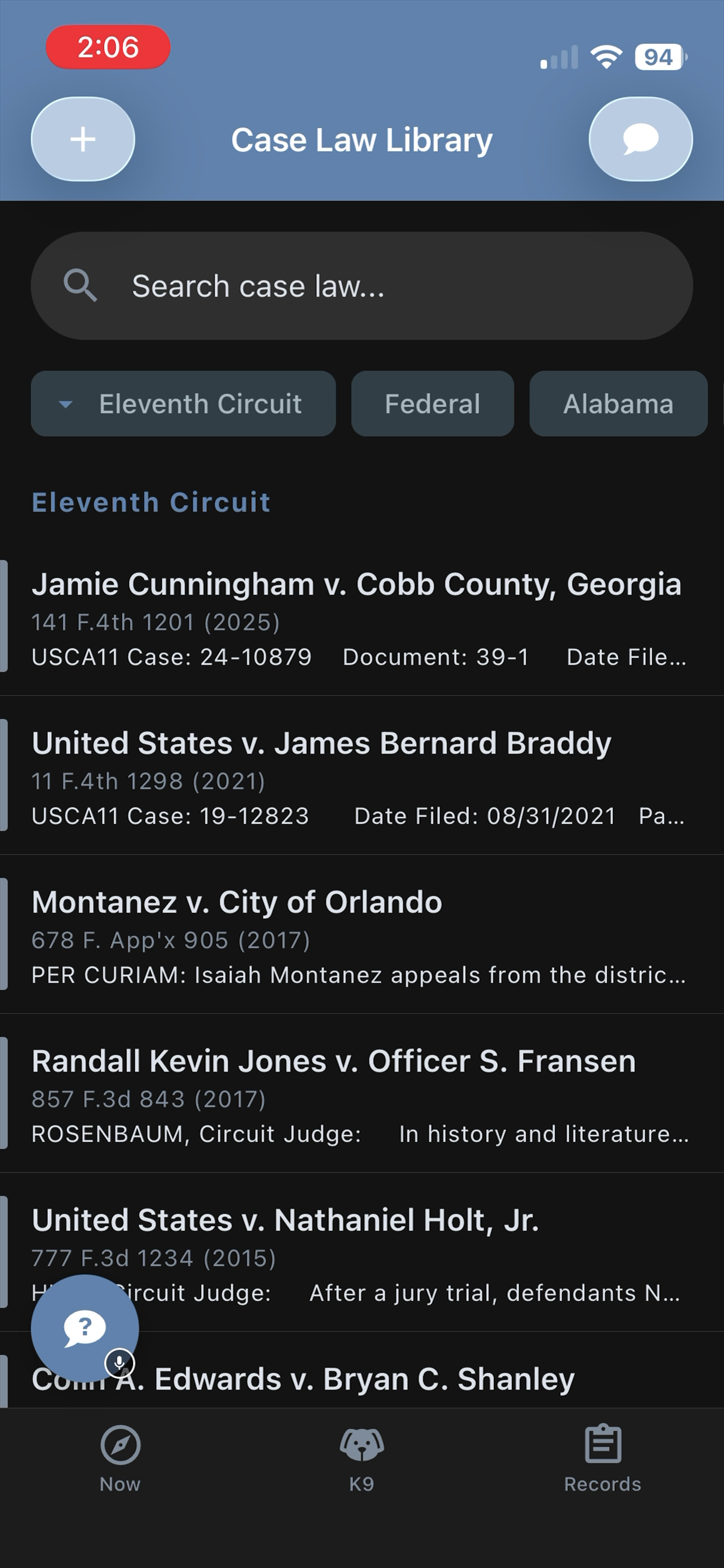
Citations in your AI-generated narratives are tappable — go directly to the case in the library. Bookmark cases for quick access. Add your own cases with notes. The AI can only cite from this verified library — it cannot hallucinate authority.
Reports & Court Packets
Every report goes through the Review screen before submission. You see the AI-generated narrative, compliance checks, extracted fields, and can edit anything. The narrative includes verified case law citations relevant to your deployment.
PDF Export
Generate a professional PDF of any deployment report — formatted, timestamped, with your name, badge number, and agency header.
Court Packet
One tap generates a complete court preparation packet: deployment report, 12 months of training history, current certifications, handler qualifications, performance statistics, and a case law digest. Walk into court with everything the prosecutor needs.
Supervisor Review
If you're in an agency with a supervisor, reports go through an approval workflow. Submit for review, get feedback directly in the app, revise and resubmit. Bite incidents are prioritized in the review queue.
Supervisor Tools
Supervisors see a real-time review queue, handler performance dashboard, training compliance tracking, and agency statistics. Approve or return reports with comments. Monitor certification expirations across the team.
Create an agency with a join code. Share the code with your handlers. Manage billing centrally or let each handler subscribe individually. Self-healing succession — if you leave, the next senior handler can self-promote to supervisor.
Why PawTrek Needs Permissions
Microphone
Required for voice capture — the core feature. Your speech is transcribed in real-time and the text saved to your report. Audio recordings are stored securely in your account for evidence integrity. Never shared. Never used for AI training.
Location
Records GPS coordinates during deployments and training to map your track and auto-fill location on reports. Court-admissible evidence chain. Location is only captured during active reports and tracking sessions.
Background Location ("Always Allow")
Needed for Track Live Activity when your screen locks during a deployment. Without it, GPS tracking stops when you switch apps or your screen times out. Only active during Track Live sessions — not collected in the background otherwise.
Camera
Photograph evidence, training documentation, K9 certification records. Photos attach directly to your report with EXIF GPS data preserved.
Data Privacy
PawTrek is built for law enforcement. Your data stays yours. xAI (Grok) does not train on API inputs. Deepgram processes audio and immediately deletes it (mip_opt_out=true). All data encrypted in transit and at rest. CJIS-adjacent security controls from day one.
Settings & Preferences
Night Vision Mode
Red-on-black display that preserves your scotopic (night-adapted) vision. Auto-switches between 11 PM and 4 AM in Auto mode. Critical for handlers working night shifts who need to check their phone without losing dark adaptation.
Department / Agency
Create or join an agency with an invite code. Share reports with your team, submit through the supervisor review chain, and coordinate group training. Agency billing available for supervisors who want to cover their team.
Training Aids & Statistics
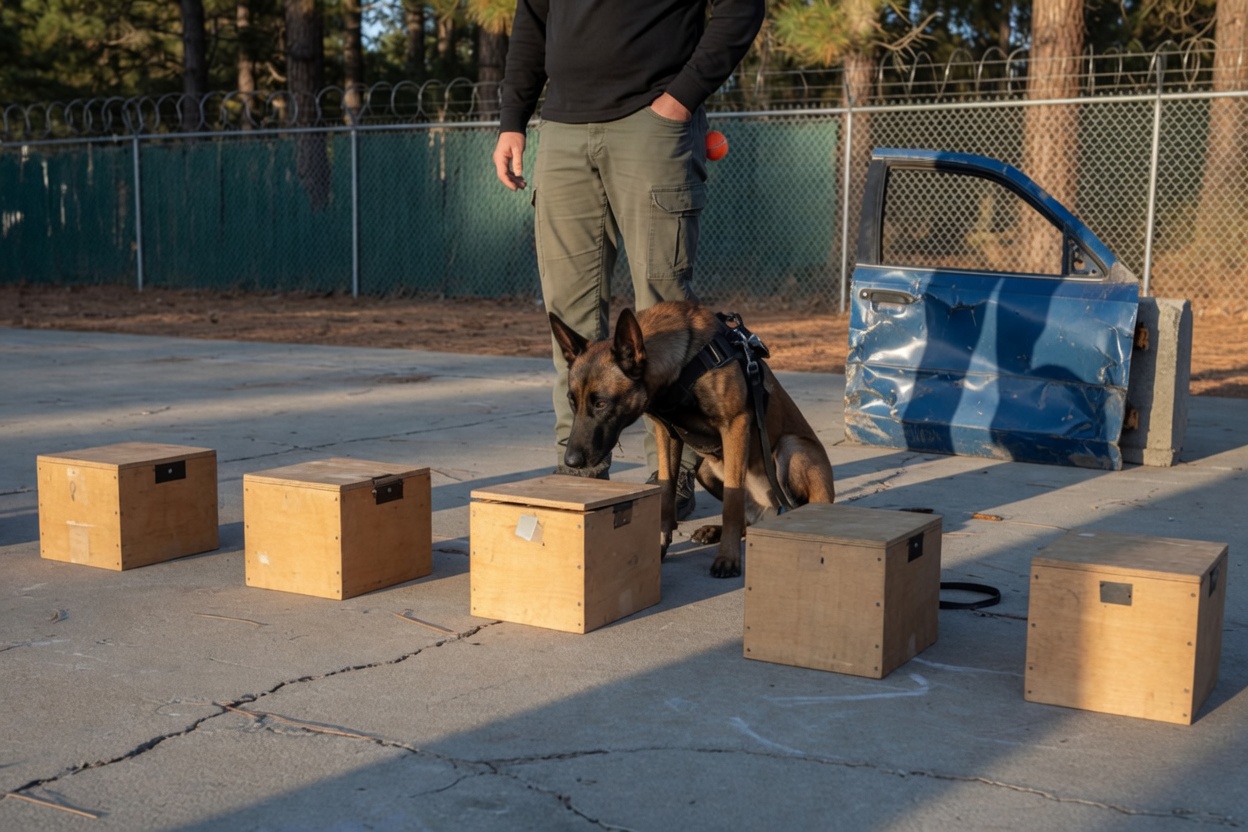
DEA-compliant training aids inventory (two-person rule, seal integrity). Career statistics: deployment counts, training hours, detection rates, and compliance tracking. Complete activity audit log.